

Earn Termly’s Privacy Badge

Join Termly’s Privacy Verification Badge Program to show users you respect their data privacy by meeting compliance-ready standards. Display your badge to boost credibility, confidence, and user trust.

  • Build User Trust
  • Improve Credibility
  • Promote Privacy

Add the BadgeBuild User Trust

Online users are increasingly more aware and cautious of how businesses collect, process, and use their data.
Our badge improves your relationship with your users and customers and puts their mind at ease in several ways.

nav_icon_commitment

Show Respect for User Privacy

Add the badge to your website and visually show users that you prioritize their data privacy.

Chat icon

Signal Adherence to Privacy Laws

Let users know you’re up to date on data privacy regulations and requirements.

Privacy Policy for E-commerce Stores

Improve Conversions and Metrics

Put your users’ minds at ease about privacy so they can engage with your business and offerings.

Privacy Policy Generator

Promote a Safer Online Space

Do your part to promote good data privacy practices and encourage others to do the same.

How To Earn Termly’s Badge

To qualify for Termly’s privacy badge, you must fulfill the following requirements using our platform.

icon-user-check

Sign Up for Termly

Icon Logs

Fulfill the verification requirements below

Privacy Policy Generator

Receive Your Termly Verification Badge

Update Icon

Maintain your verification

Verification Requirements

#1: Publish Your Privacy Policy

Informing users about how you handle their data is crucial for upholding strong privacy standards and earning their trust.

Use our generator to create your comprehensive privacy policy in just a few minutes. You must publish it to your site using our code snippet or a Termly-hosted URL so that it can receive automatic updates.

privacy-policy-requirement-for-privacy-badge

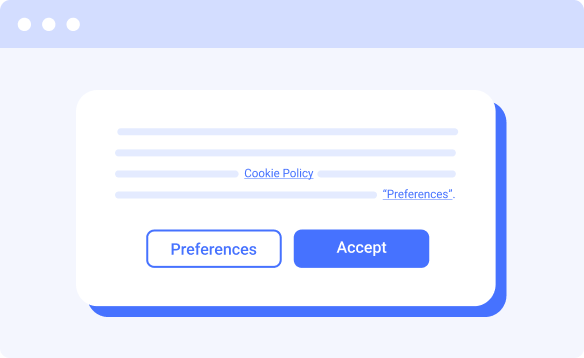
#2: Install Your Consent Banner

Giving users a choice over how their data is used has become an expected part of improving the user experience online.

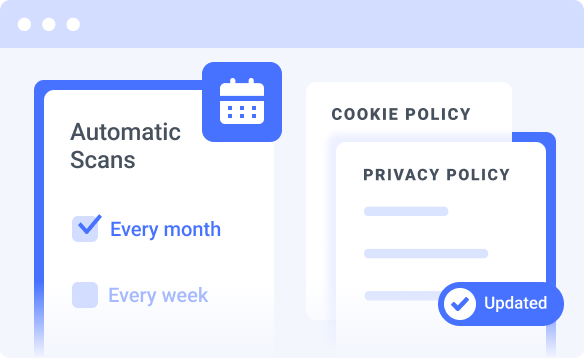
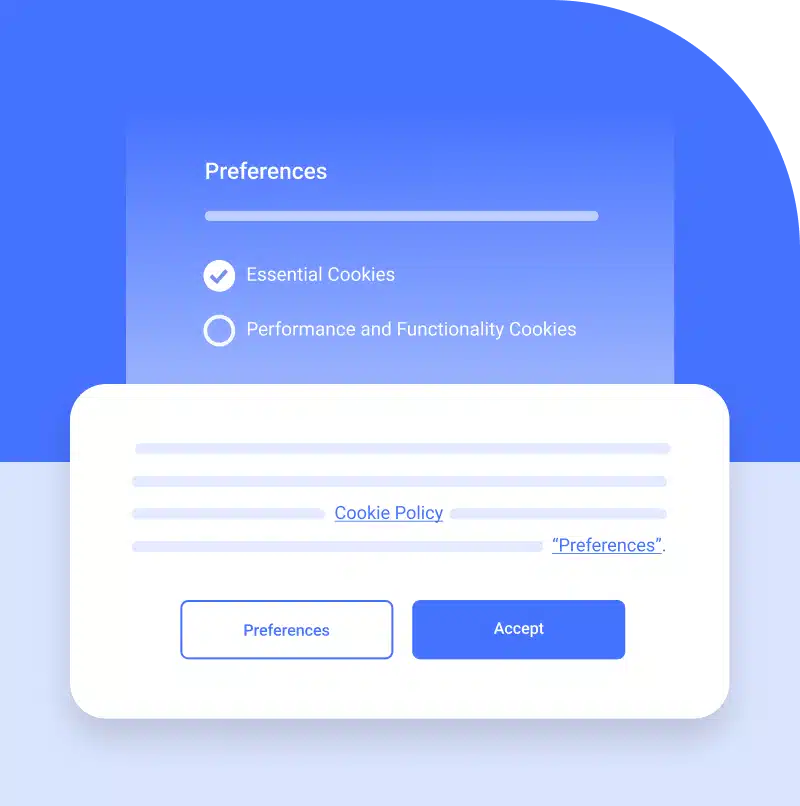
Customize and install your consent banner and commit to maintaining consent for your visitors. You must schedule weekly or monthly cookie scans to stay eligible for our badge, which you can easily do right from your Termly dashboard.

consent-banner-requirement-for-privacy-badge

#3: Publish Your Cookie Policy

Educating users about the choices they’re making is also a critical part of respecting their privacy and decisions.

Once you create your consent banner, you will have access to an automatically generated cookie policy.

You must publish it to your site using our code snippet or hosted URL so that it can receive automatic updates after every re-scan you schedule.

cookie-policy-requirement-for-privacy-badge

#4: Maintain Your Verification

Privacy compliance is an ongoing responsibility for all business owners, and we help make it easier. To maintain your verification status, you must do the following:

  • Keep your privacy policy and cookie policy automatically updated
  • Re-scan your website for cookies every week or month

You can achieve this by publishing the policies on your site using our code snippet or Termly-hosted URLs and setting up re-scans right from your Termly dashboard.

maintain verification

Where To Place Your Badge

Here are some spots we recommend displaying your privacy verification badge.

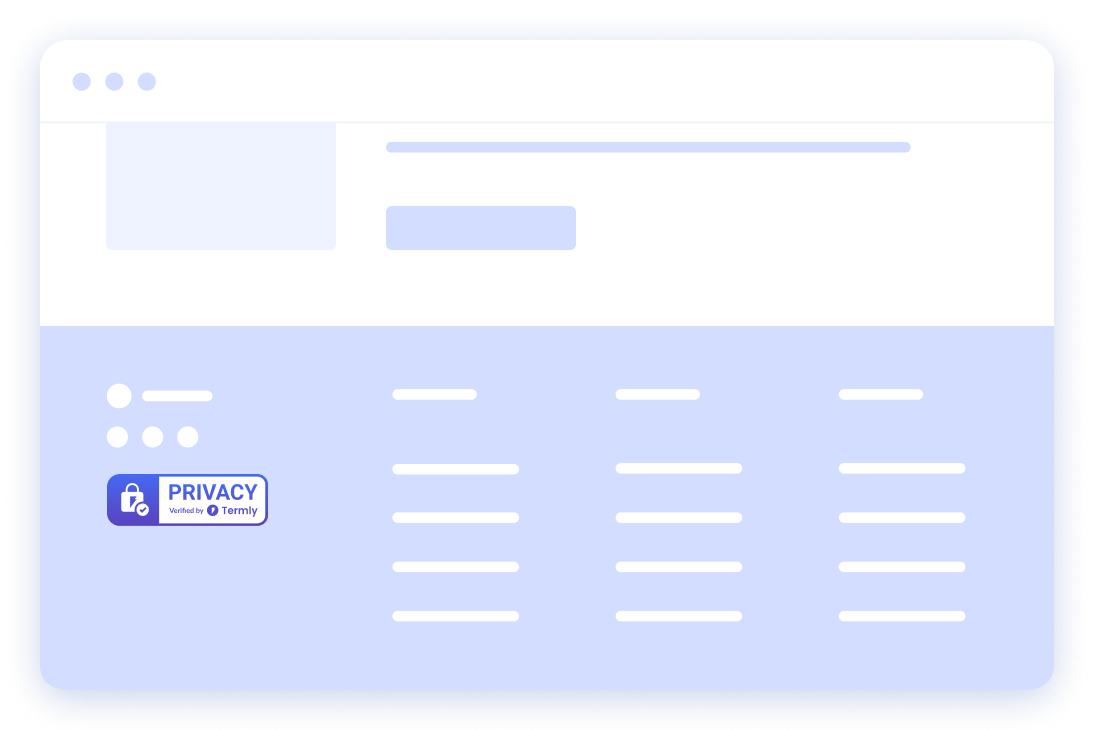
In Your Footer

We recommend placing the privacy badge in your footer so users can see your commitment to privacy on every page.

badge_footer_simple

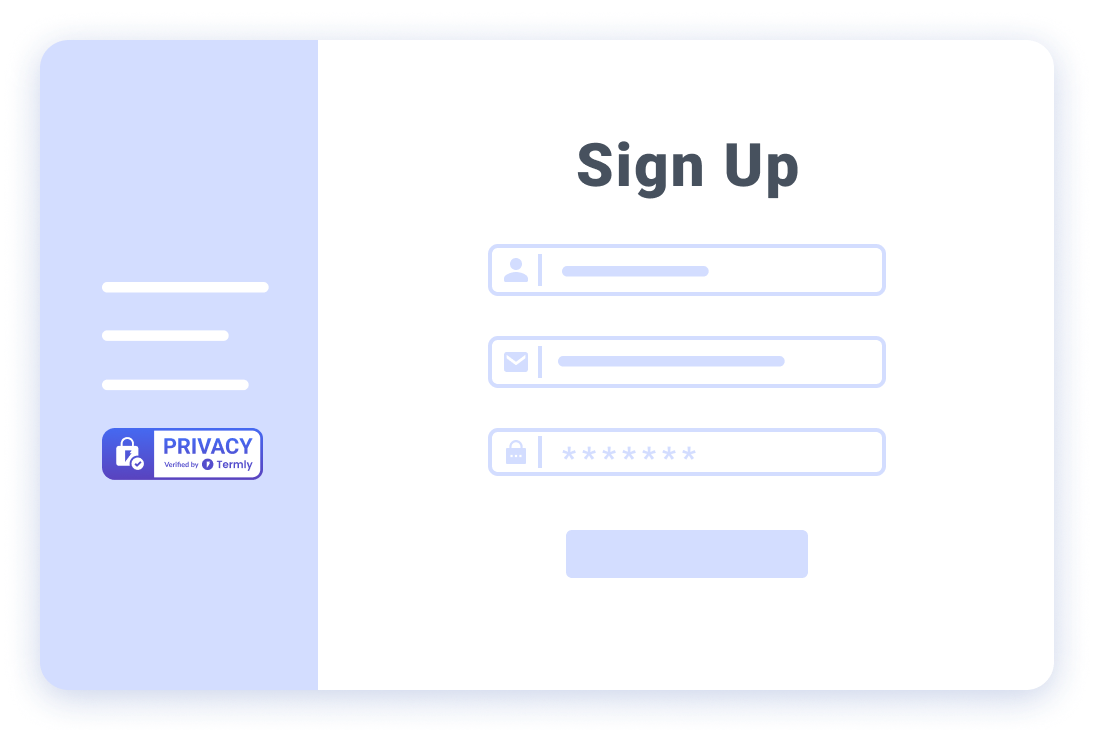
On Sign Up & Registration Pages

Instill even more confidence in users who want to sign up by prominently displaying your badge.

badge_signup_simple

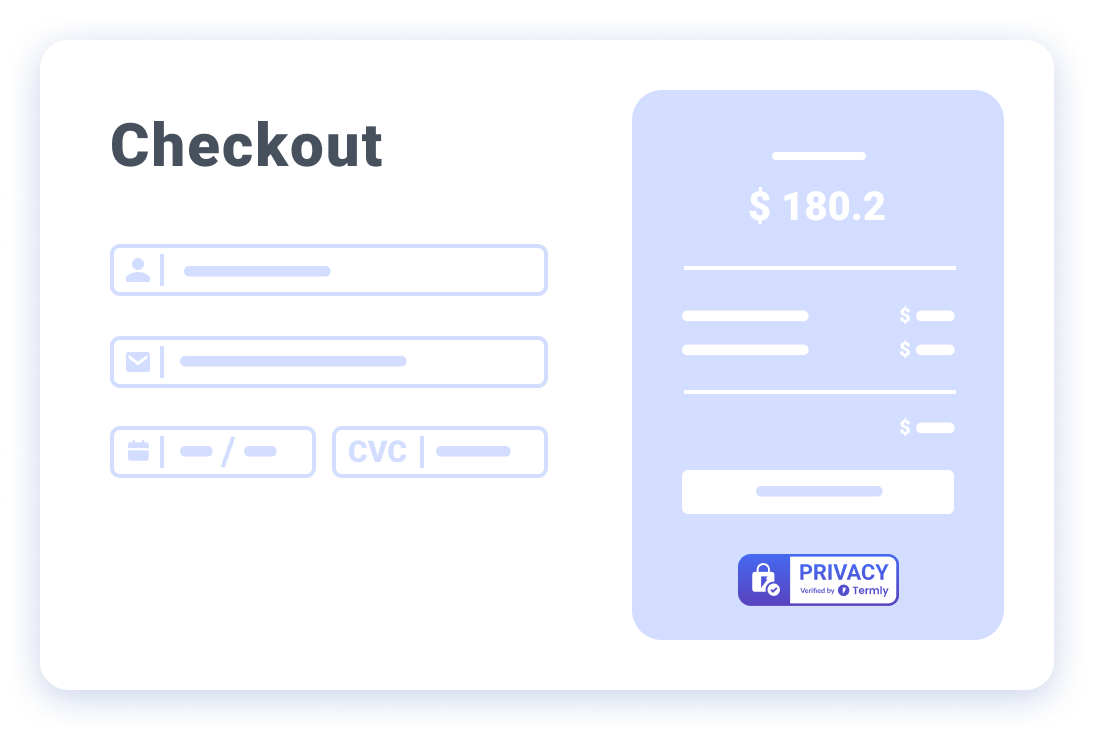
On Your Pricing & Checkout Pages

Increase your conversions by letting potential customers know you take their privacy seriously.

badge_checkout_simple

Here’s Why Privacy Signals Matter to Users

Privacy Policies are required by law to keep users informed about what data you collect.

These legally required documents keep users informed about what personal data your website collects, why, and how you use it. It also explains their rights over the data.

The content of your privacy policy is affected by laws worldwide, including the GDPR, the CCPA, CalOPPA, and more.

75% of consumers said they will not purchase from organizations they don’t trust with their personal data. (Cisco)

Your privacy policy must be auto-updating to qualify for our badge.*

privacy policy for badge

Consent Banners are required for sites that collect personal data or use data for marketing purposes.

Consent banners allow website visitors to read about your cookies and data collection practices.

This helps them make an informed choice about what happens to their personal information. It can also help your site more easily align with requirements outlined by applicable laws.

48% of customers have stopped shopping with a company because of privacy concerns. (Tableau)

You must re-scan your site for cookies weekly or monthly to qualify.* 

cookie banner for badge

Cookie Policies are required for all sites using cookies or other tracking technology.

These help websites explain to users which cookies or other trackers they want to place in their browsers and provide details on how users can control which cookies are used.

To earn the Termly Privacy Badge, run monthly website scans to ensure your cookie policy is always up to date.

81% of users believe the way a company treats their personal data is indicative of the way it views them as a customer. (Cisco)

Your cookie policy must auto-update after every website scan to qualify.*

cookie policy for badge

FAQ

What is Termly’s Privacy Verification Badge?

Why did Termly create a Privacy Verification Badge?

I use Termly for my website, can I add the Privacy Verification Badge?

How do I join Termly’s Privacy Verification Badge Program?

Can I use the badge on multiple websites?

What are the benefits of Termly’s Privacy Verification Badge?

Where should I display Termly’s Privacy Verification Badge on my website?

Can I use the badge in marketing materials?

Can I talk to someone about Termly’s Privacy Verification Badge?