Discover the latest Termly features designed to simplify compliance and keep your websites aligned with evolving privacy requirements.
Release Date: March 11, 2026
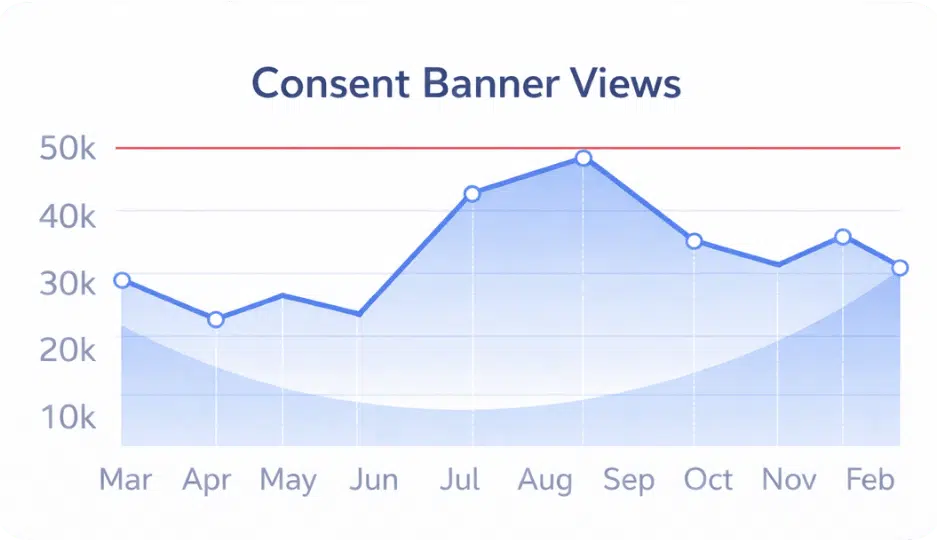
Termly’s Consent Reporting gives you instant visibility into how visitors engage with your Consent Banner. With direct banner view tracking and centralized dashboard access, you can monitor performance across all your sites in one place.
Release Date: February 18, 2026
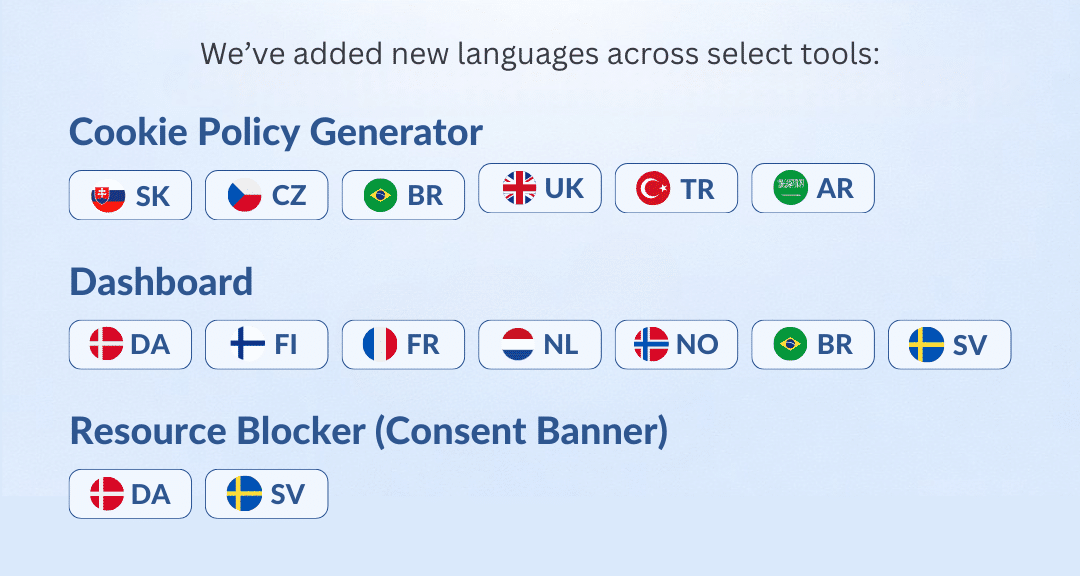
Termly’s latest update enhances compliance accessibility by introducing localized content in several highly requested languages. Your Cookie Policy, Consent Banner, and Dashboard can now be managed in multiple languages, ensuring inclusivity and consistency across regions.
Supported areas:
Release Date: February 12, 2026
Termly’s IAB TCF support enables seamless compliance with the latest Transparency and Consent Framework standards. Fully supporting IAB TCF 2.3, it allows you to activate controls directly from your Termly dashboard with a single click.
Release Date: February 4, 2026
Termly’s Copy Settings feature simplifies multi-site management by letting you bulk-apply compliance configurations from one source website to many others. Easily copy banner and consent settings, including policy documents. Ensuring uniform privacy standards across your portfolio while saving time for agencies and managers handling multiple websites.

Termly now fully supports Next.js 15 and Next.js 16, delivering seamless integration for your modern React applications. Developers can easily install and configure Termly’s Consent Management Platform directly in projects using either the App Router or Pages Router.
Release Date: January 1, 2026
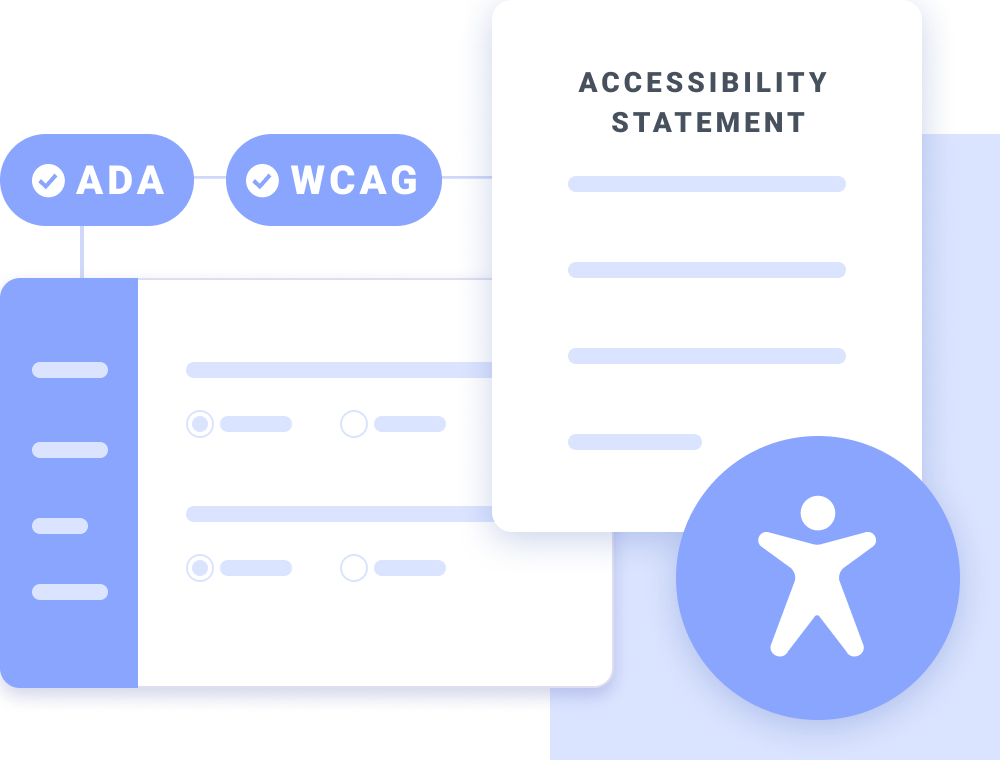
Designed to support transparency and trust, the Accessibility Statement Generator helps users to communicate how their website considers visitors with disabilities, the accessibility standards they follow, and the steps the organization is taking to improve accessibility over time.
Release Date: January 1, 2026
Termly now helps businesses clearly communicate when a user’s opt-out preference signal has been honored. When a visitor with a recognized global privacy control or opt-out signal interacts with the website site, a small toast notification appears at the bottom of the screen to confirm their consent.

Release Date: December 9, 2025
Policy display has been updated to support multi-language environments, allowing your legal policies to adapt seamlessly to a global audience. When enabled, Termly automatically detects a visitor’s browser language and displays a localized version of your policies when a supported language is available. This ensures visitors clearly understand your Privacy Policy, Terms, and other legal documents in their preferred language.

Release Date: November 24, 2025
Improved handling of Google Consent Mode, including support for automated GCM validation and dynamic consent state updates. The plugin now aligns with Termly’s latest GCM scanning logic to help ensure proper configuration across all connected websites.

Release Date: November 10, 2025
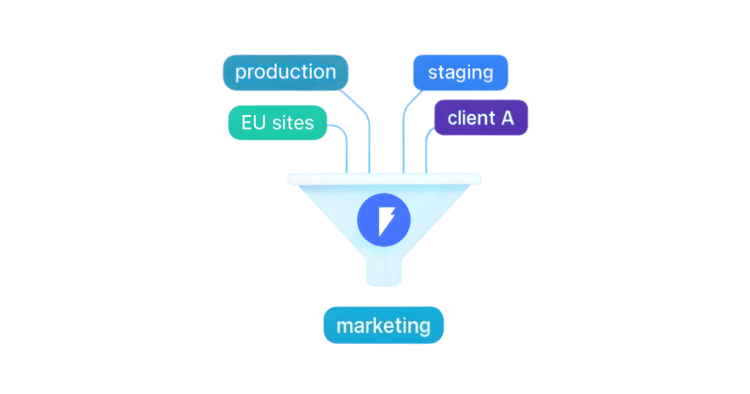
Added Tag Management system. Termly users can now manage scripts directly from their Termly dashboard and apply tagging and categorization logic.
Release Date: November 5, 2025
Implemented initial support for the upcoming WordPress Consent API. This integration streamlines communication between Termly’s CMP and other WordPress plugins that rely on standardized consent signals.

Release Date: August 12, 2025
Expanded regional coverage to accommodate newly supported jurisdictions. The consent banner and policy behavior now reflect updated location logic, ensuring accurate compliance for additional countries and regulatory zones.

Release Date: March 3, 2025
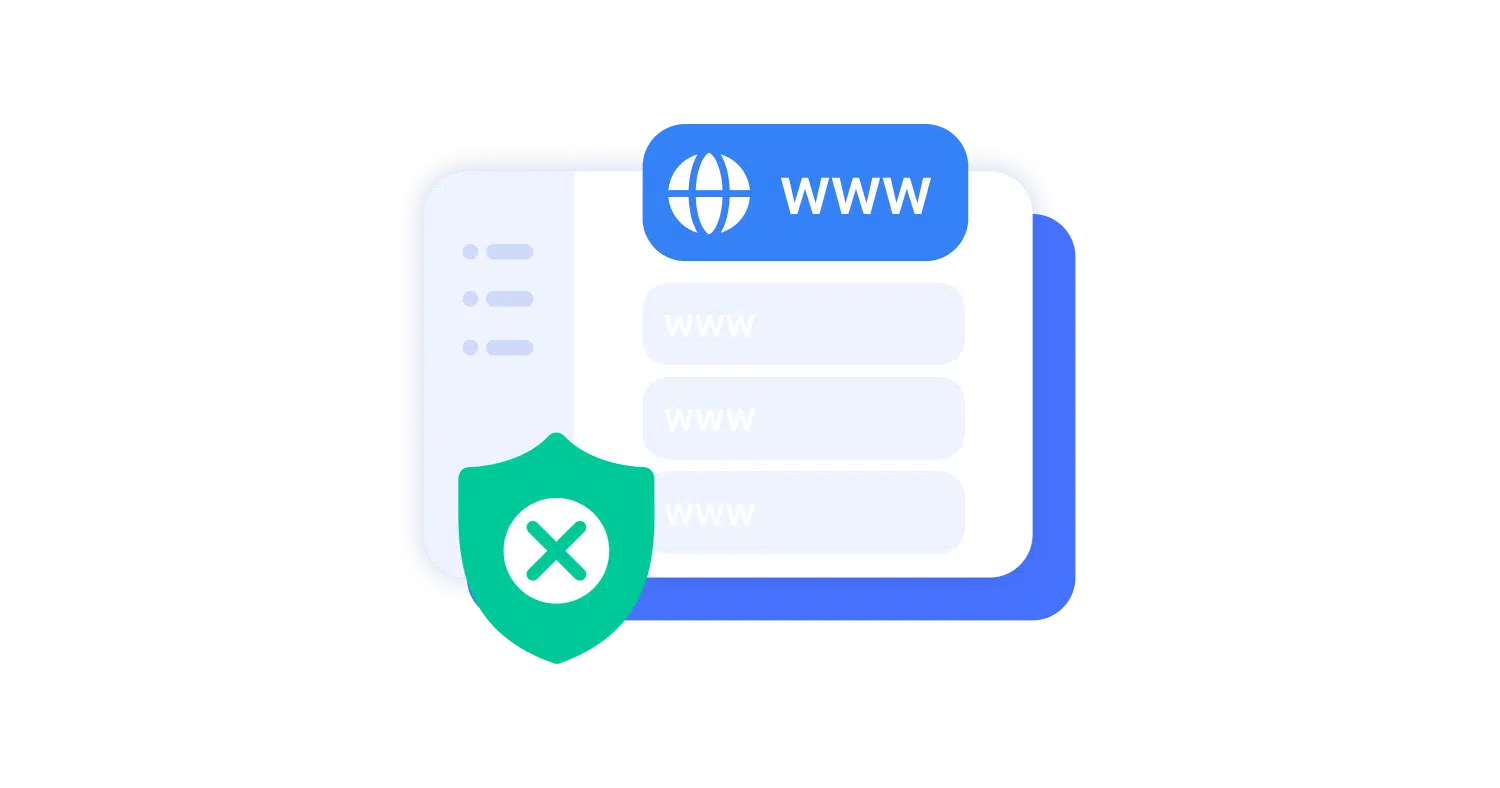
Advanced domain-level controls that allow site owners to apply banner and scanning behaviors based on specific domains and subdomains. This enhancement supports multi-site environments and ensures that consent behavior remains consistent across complex web structures.
Release Date: February 12, 2025
Added the ability to define a custom privacy link directly within the dashboard. Users can now route visitors to a preferred privacy policy URL while maintaining seamless integration with Termly’s consent banner.